


Halo: Campaign Evolved Steam Machine Compatibility
Halo: Campaign Evolved is Steam Machine Verified. Below you’ll find tested compatibility notes, performance results, and the best graphics settings for Halo: Campaign Evolved on Steam Machine, all part of the full Steam Machine Life settings library.
Halo: Campaign Evolved Steam Machine Performance
Halo Campaign Evolved runs on Unreal Engine 5, it’s pretty demanding and can struggle when outdoors on the Steam Machine. Playing at 1080p Ultra, I averaged 40+ FPS. Playing at 1440p with my settings and FSR at Medium I averaged 40+ FPS. Playing at 4K with all settings set to low, I averaged 40 FPS with dips into the 30’s during outdoor action.
I you want the game to look less grainy and remove some of the forced post processing effects. Download the Engine.ini file here and drag it to this directory.
/home/deck/.local/share/Steam/steamapps/compatdata/2806050/pfx/drive_c/users/steamuser/AppData/Local/Meteorite/Saved/Config/Windows/



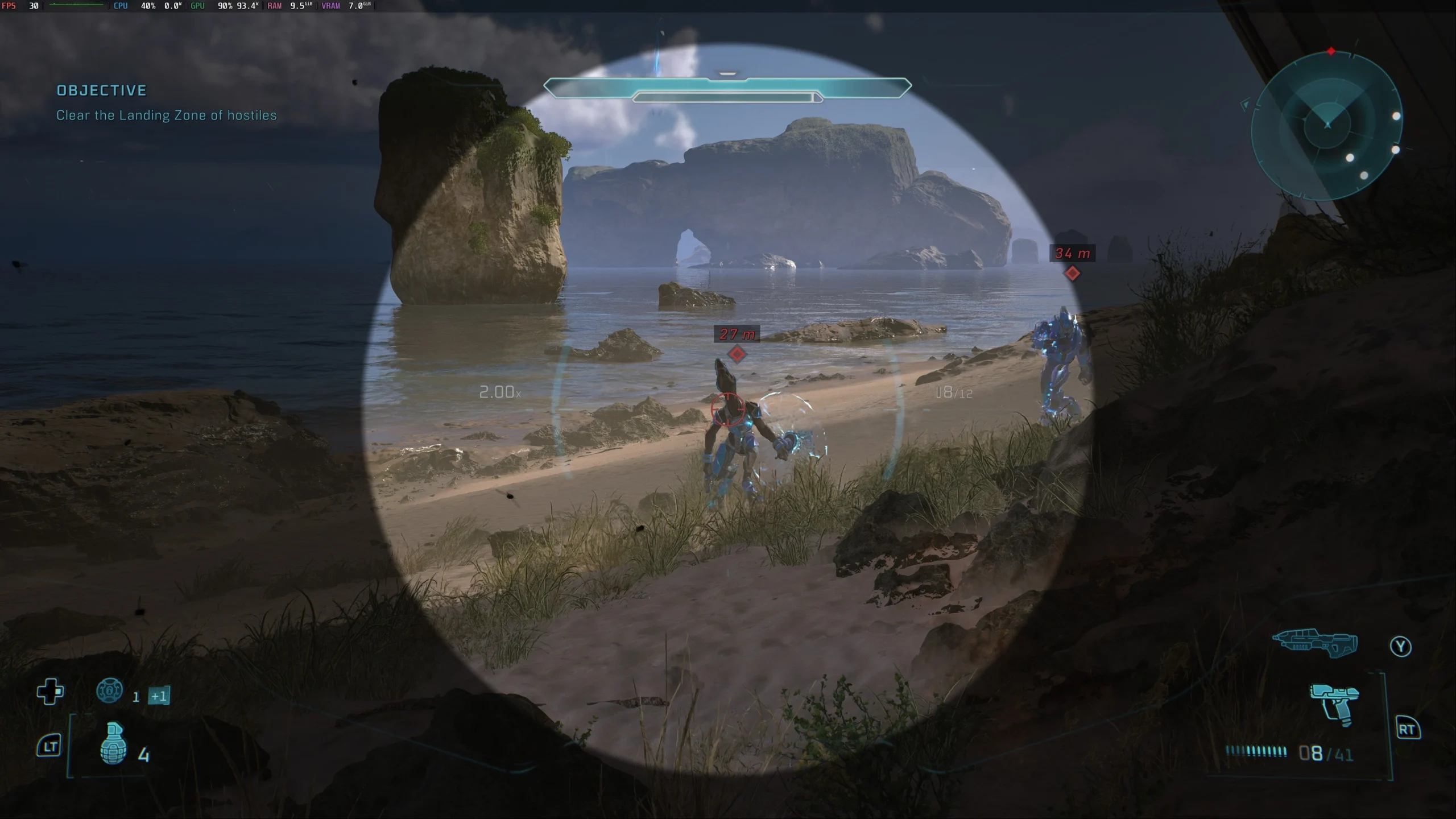




Best Halo: Campaign Evolved Steam Machine Settings
| Setting | 1080p | 1440p | 4K |
|---|---|---|---|
| VSync | Off | Off | Off |
| Frame Rate Limit | 60 | 60 | 30 |
| Borderless Fullscreen | Enabled | Enabled | Enabled |
| Display Resolution | 1920 x 1080 | 2560 x 1440 | 3840 x 2160 |
| Effects Quality | Low | Low | Low |
| Geometric Quality | Low | Low | Low |
| Global Illumination Quality | Low | Low | Low |
| Lighting Quality | Low | Low | Low |
| Texture Quality | Medium | Medium | Medium |
| Reflections | Low | Low | Low |
| Atmospheric Quality | Low | Low | Low |
| Post-Processing Quality | Low | Low | Low |
| Motion Blur | Off | Off | Off |
| Upscaling Technique | FSR | FSR | FSR |
| Upscaling Quality | Ultra | Medium | Low |
| Async Compute | Enabled | Enabled | Enabled |
| Low Latency Mode | Default | Default | Default |
| Frame Generation | Off | Off | Off |